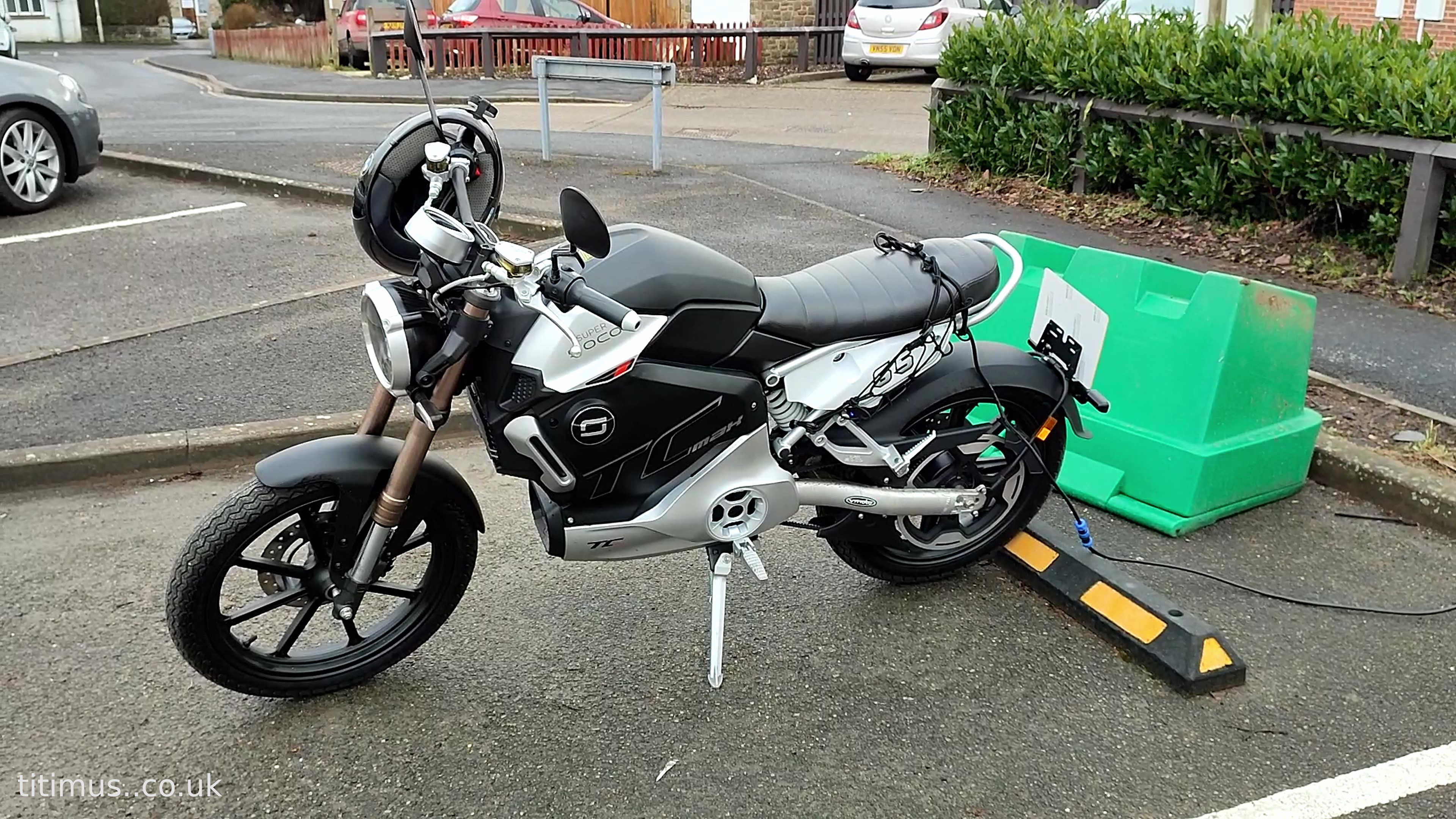
The Super Soco TC Max has a motor controller made by the well known Chinese company Golden Motor. The parameters of which are easily modified using a programming cable and PC. In this article I will describe how to enable regenerative braking on the TC Max. The same principles apply to adjusting all other parameters in the controller firmware. Be careful as it's possible to damage the motor and controller.
What You Need
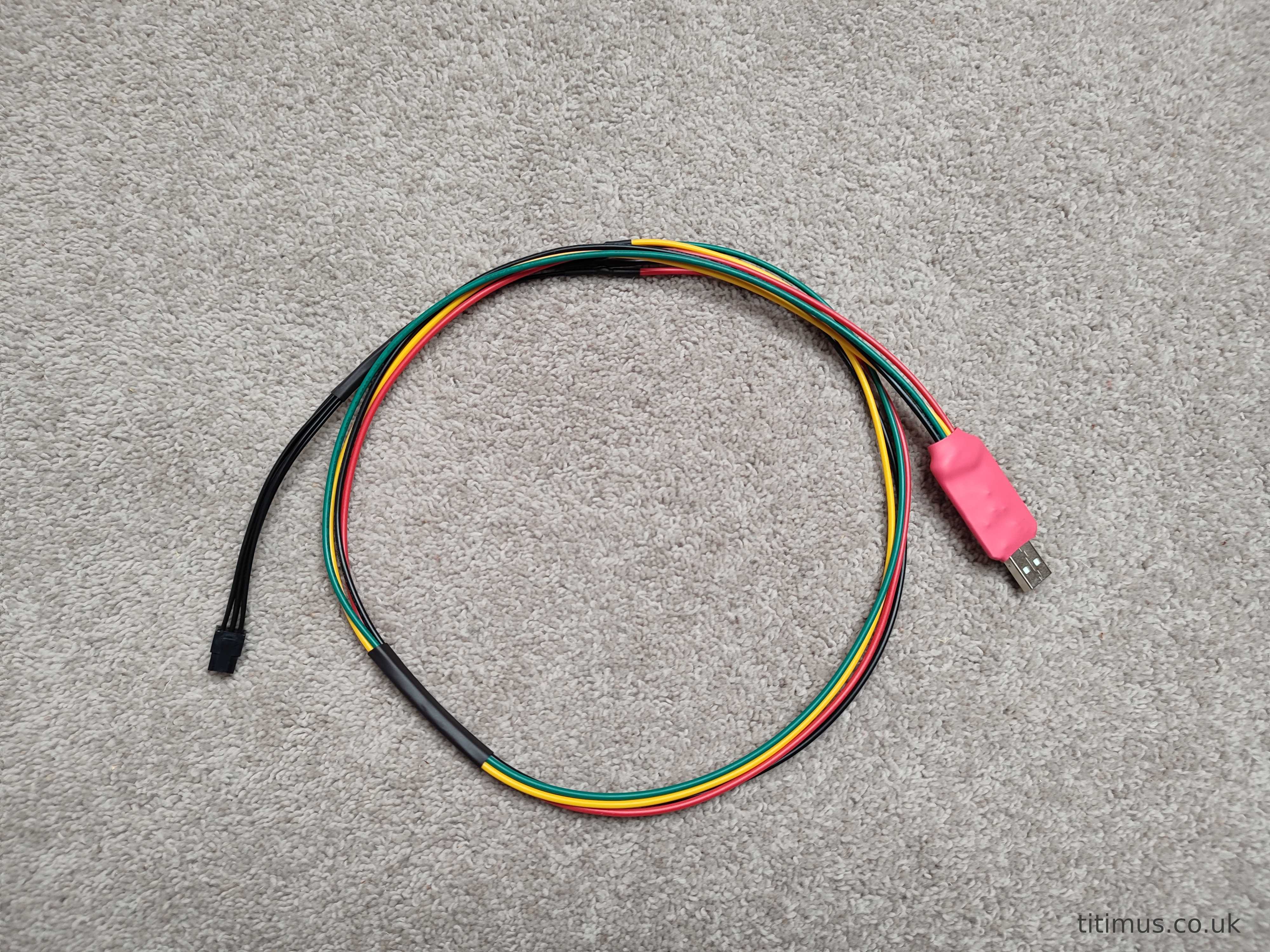
The only hardware required to program the motor controller is an allen key, a programming cable and a PC.
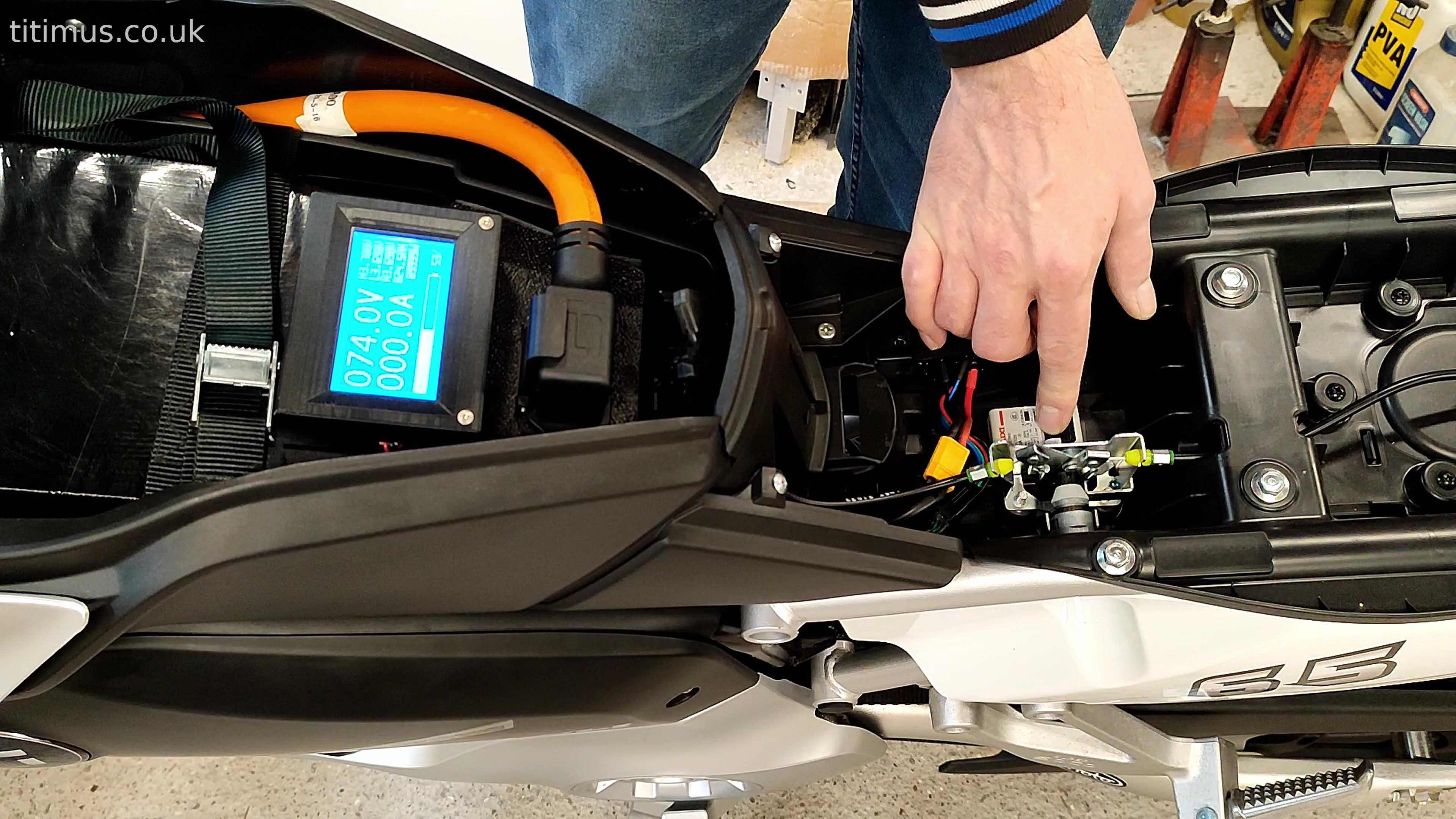
Disconnecting the Battery
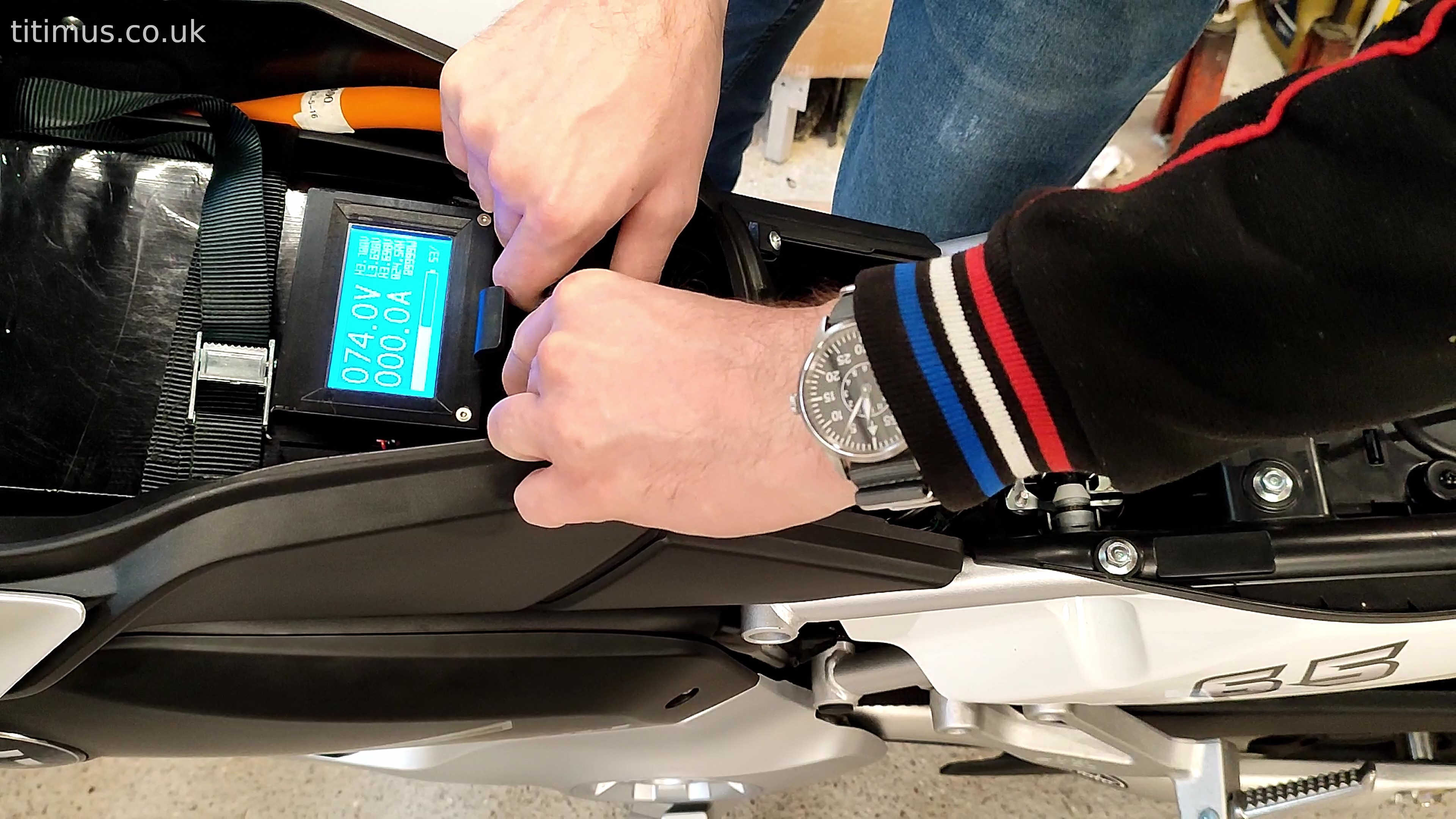
Removing the Fairing Panels
To access the controller programming port both top and bottom right hand fairing panels must be removed. In order to remove the bottom panel the foot peg must also be removed.
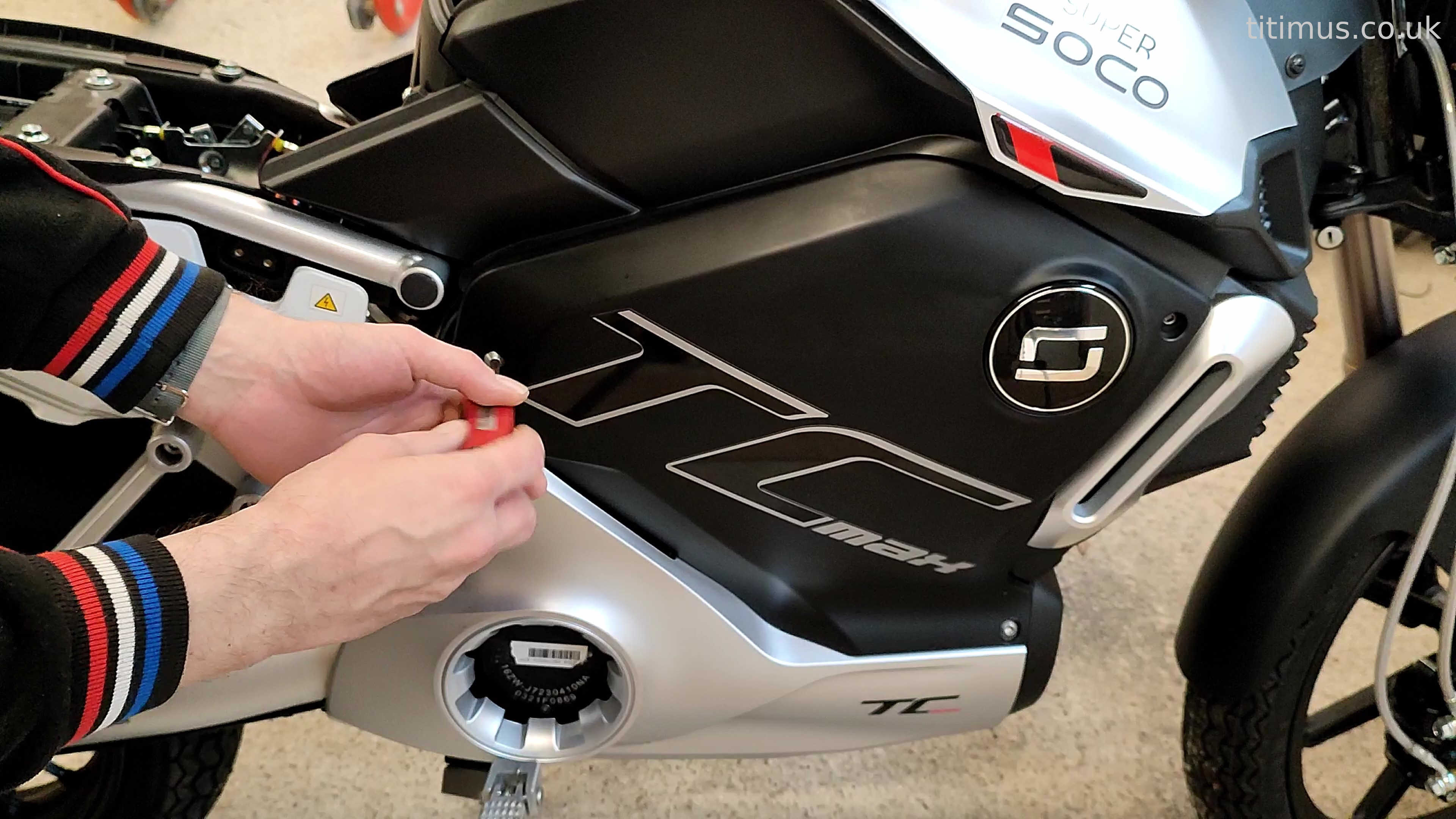
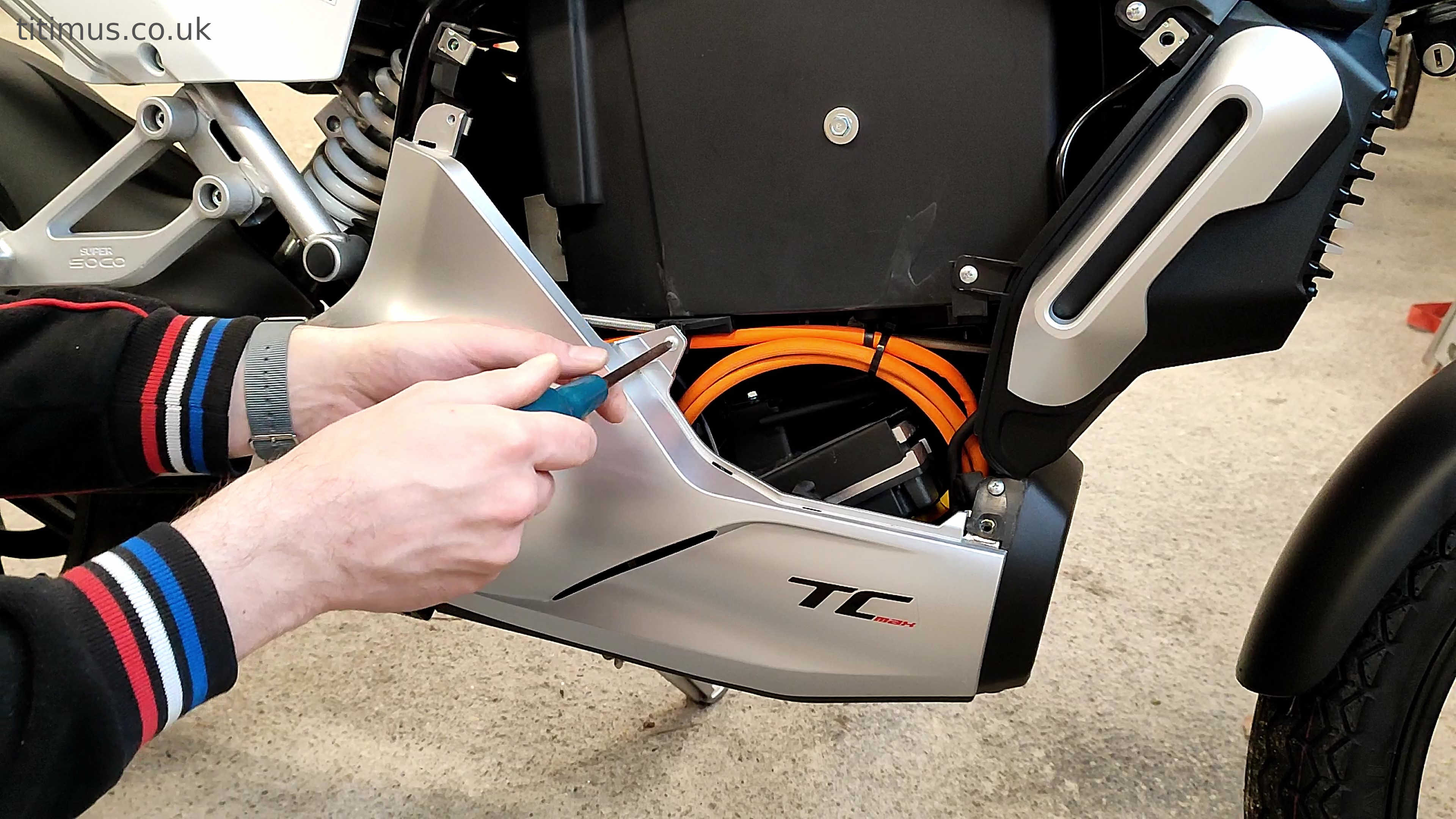
Locating the Programming Port
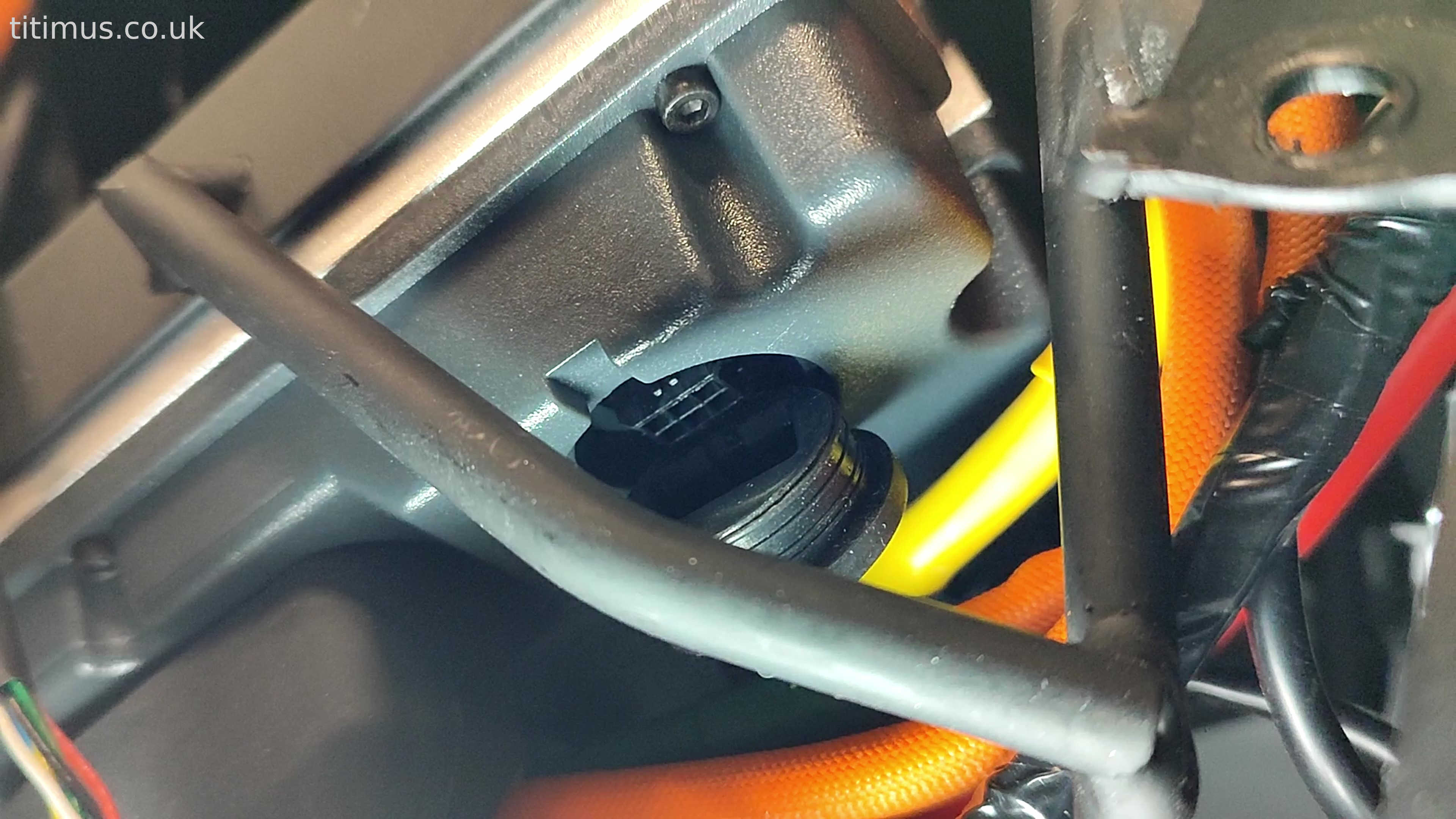
Once the panels are removed the six pin programming port can be found at the front of the controller under a rubber bung.
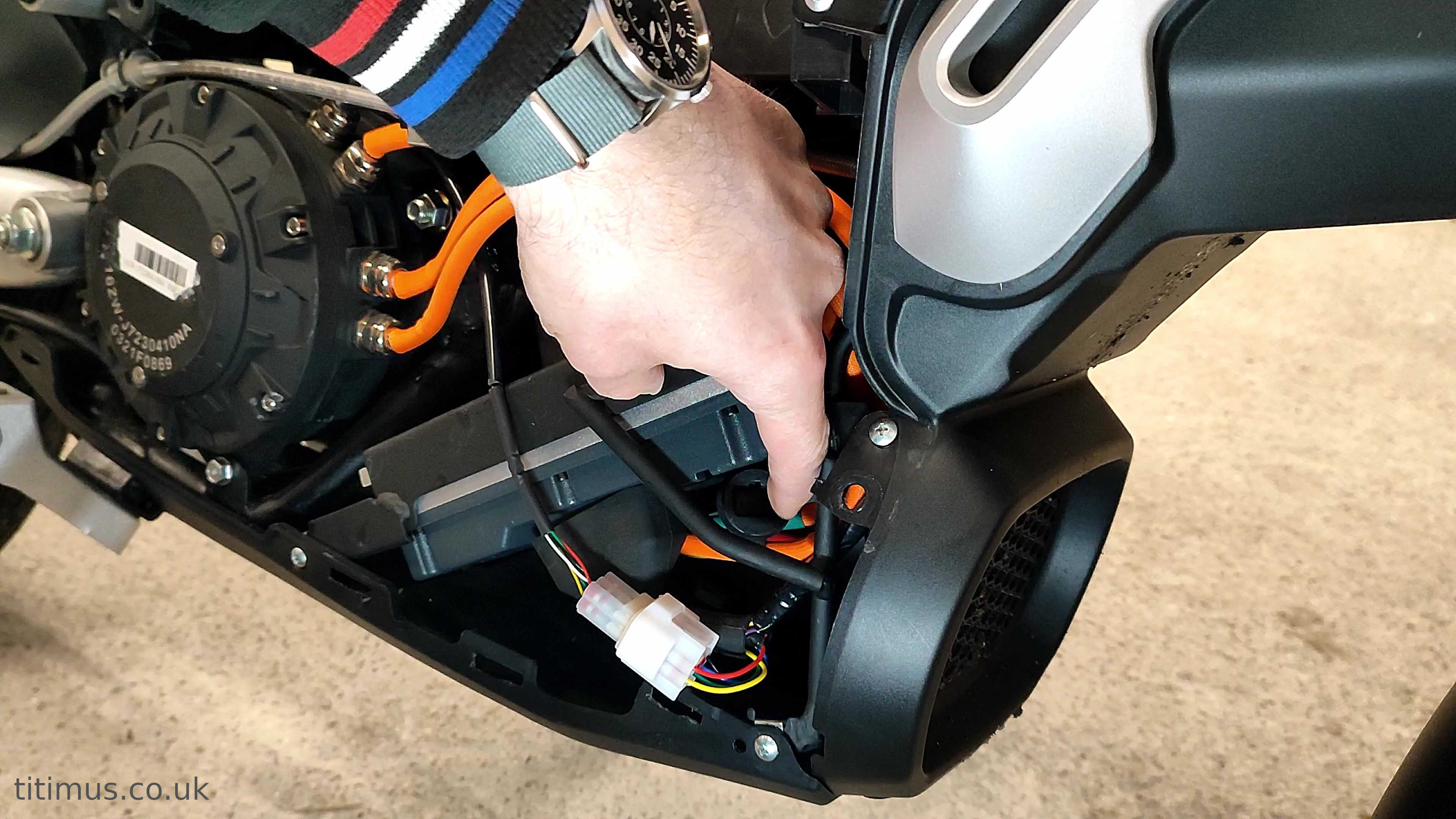
Connecting the Cable
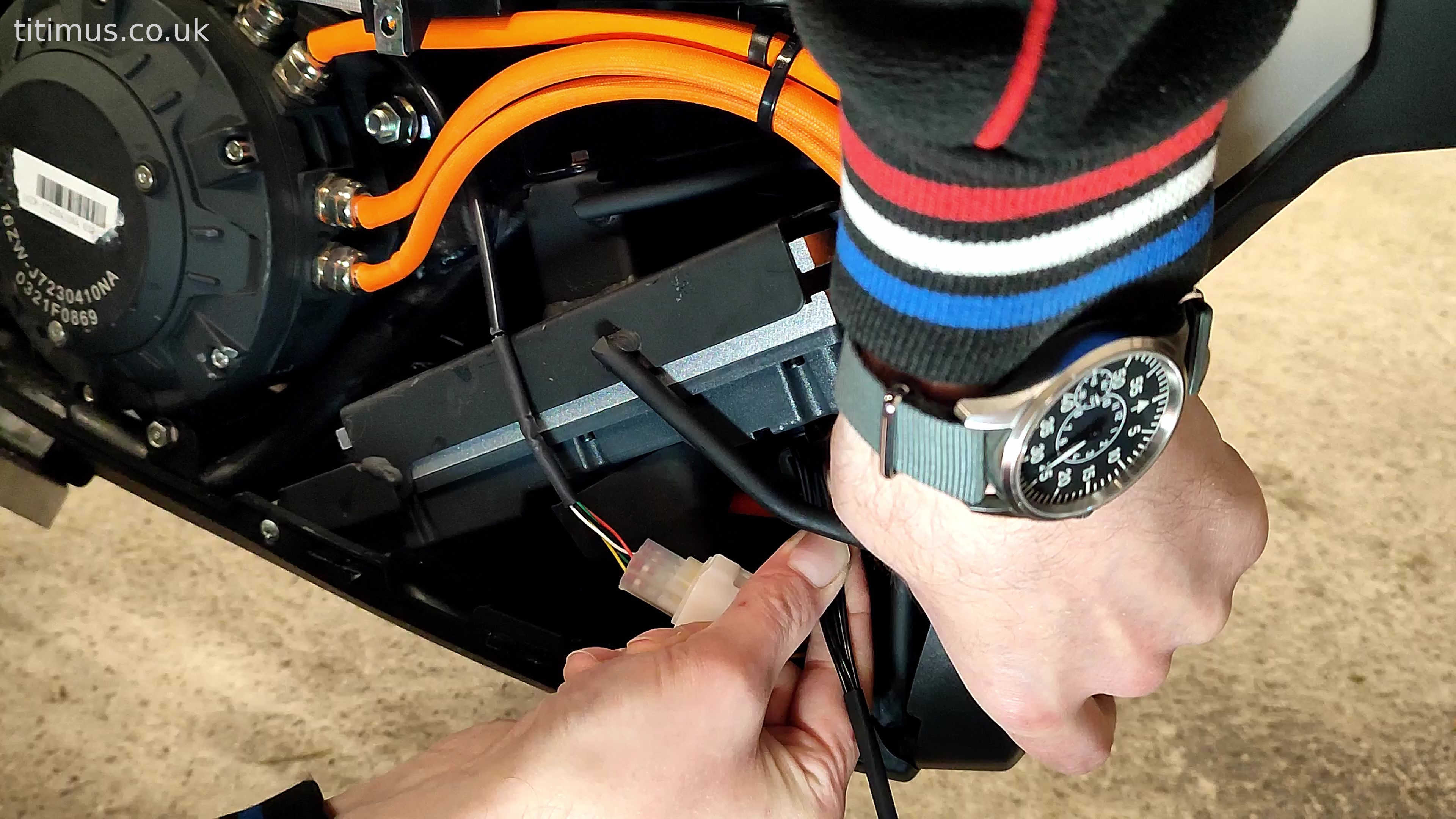
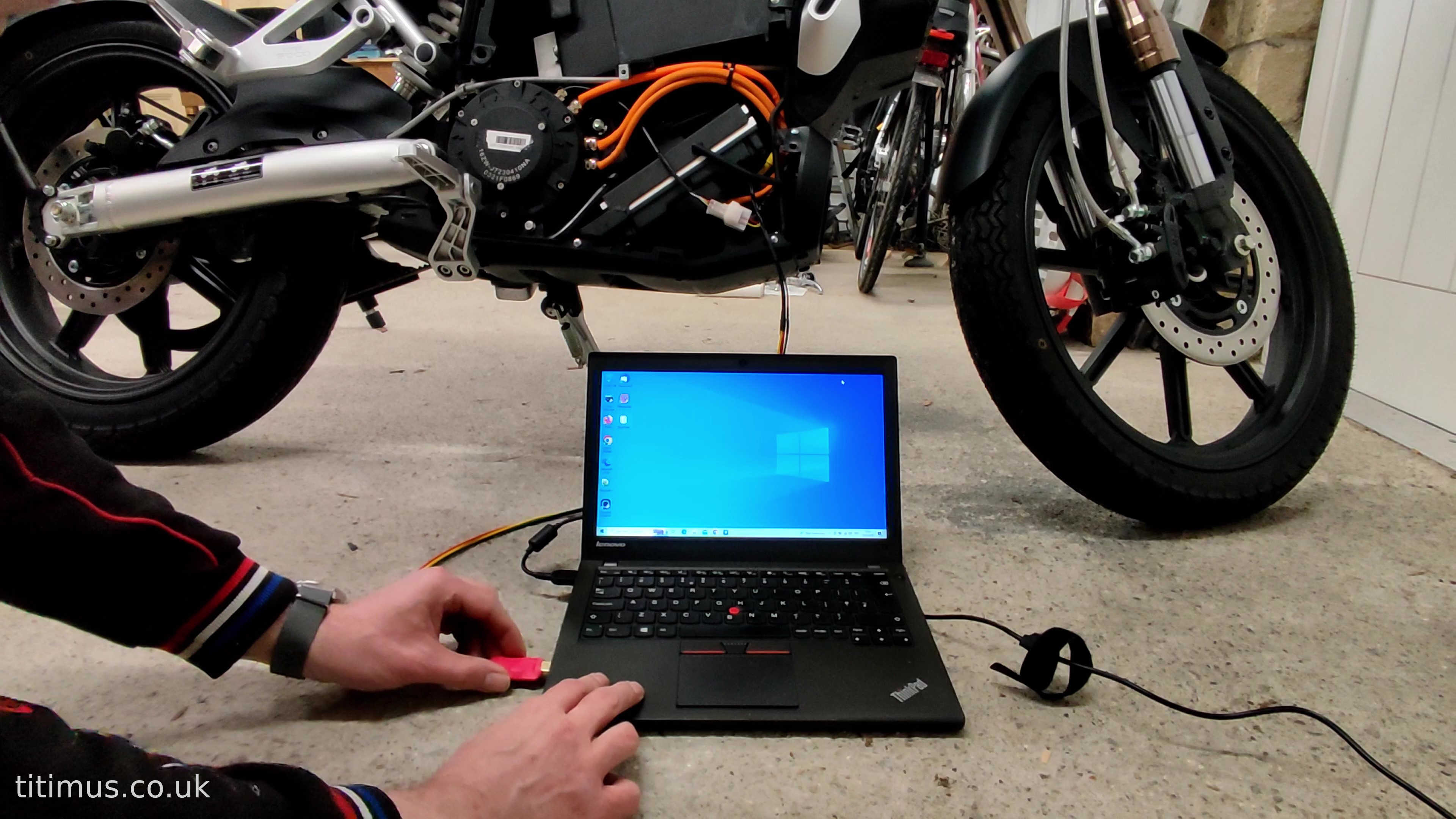
Plug the programming cable into the port ensuring it's pushed all the way in and the retaining clip is engaged. Then plug the other end into your PC.
Using the Software
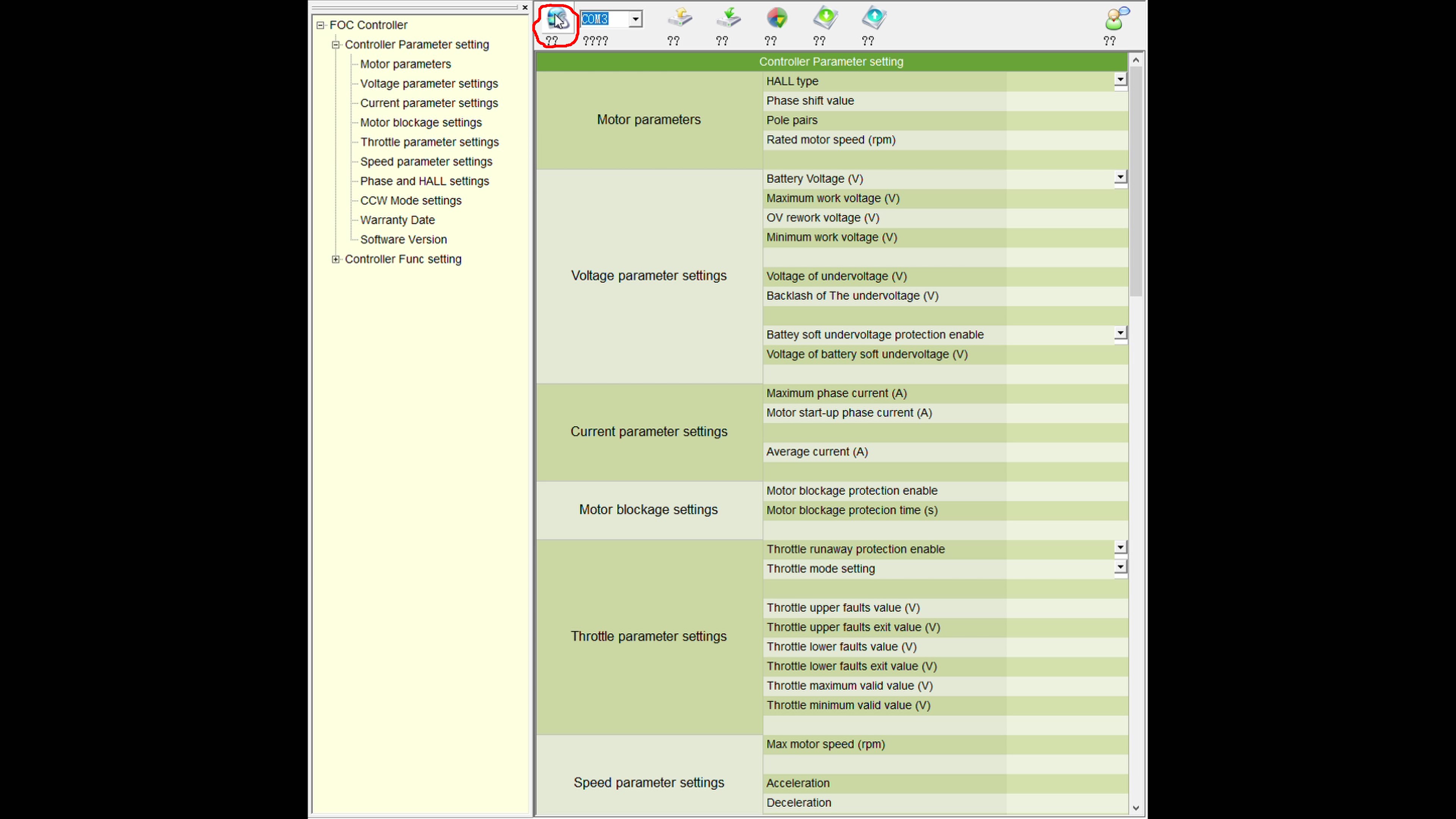
Start the programming software and select the com port you plugged the cable into. Then click the connect button. The standard parameters should appear. The software can be downloaded from the downloads page.
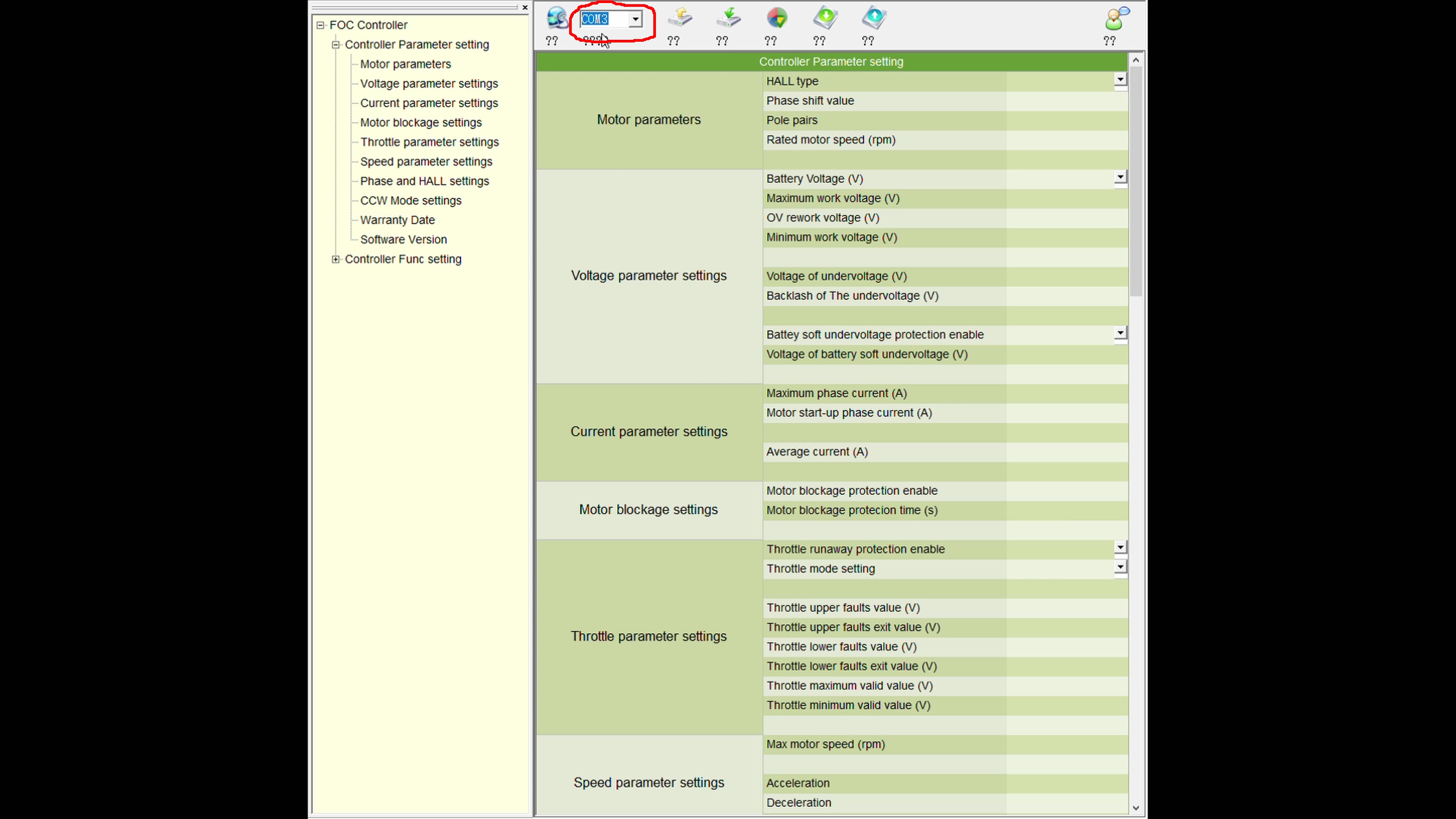
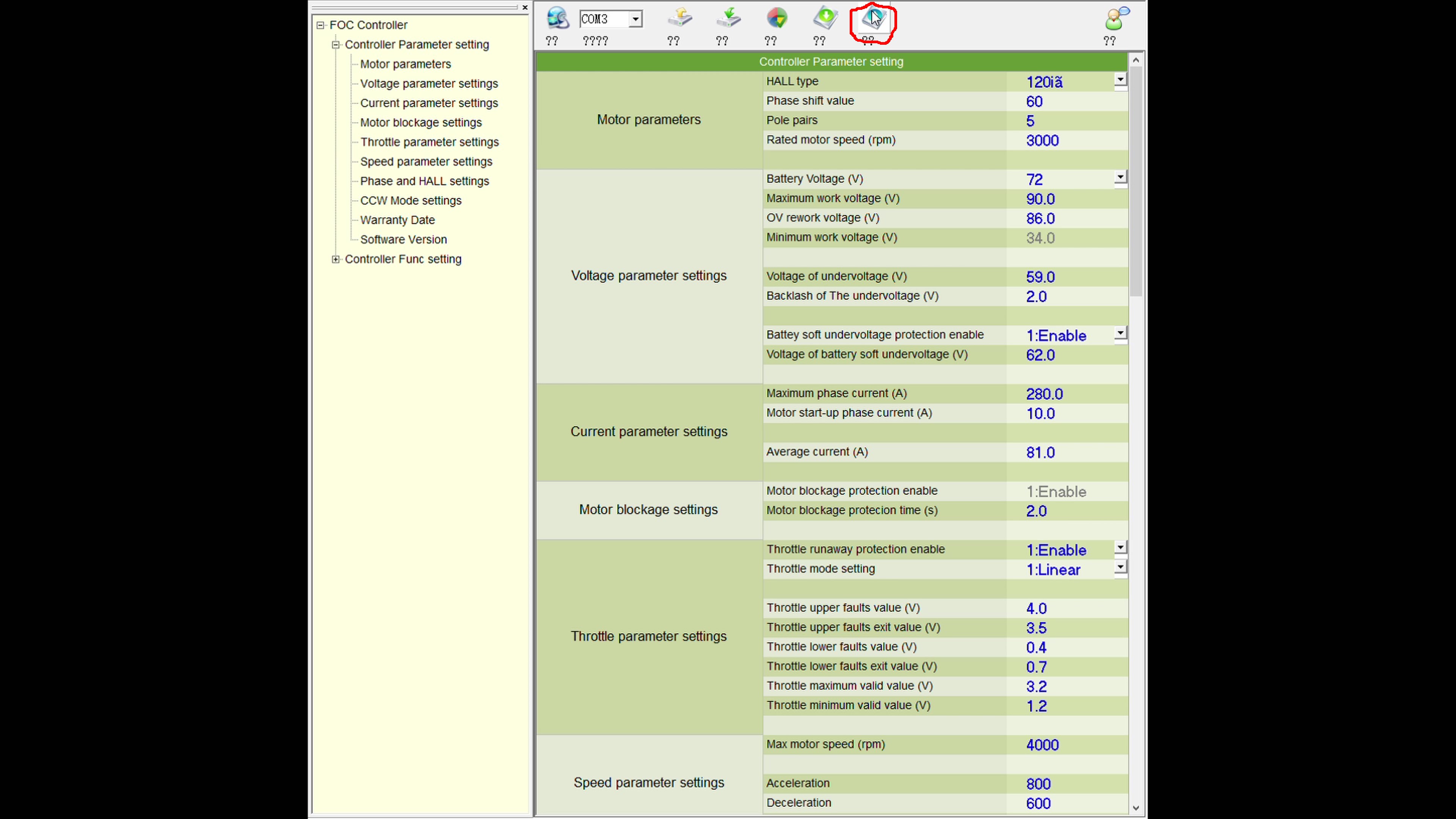
Click the export button and save the standard parameters to a file in a safe place in case you need to return the settings to standard.
Enabling Regenerative Braking
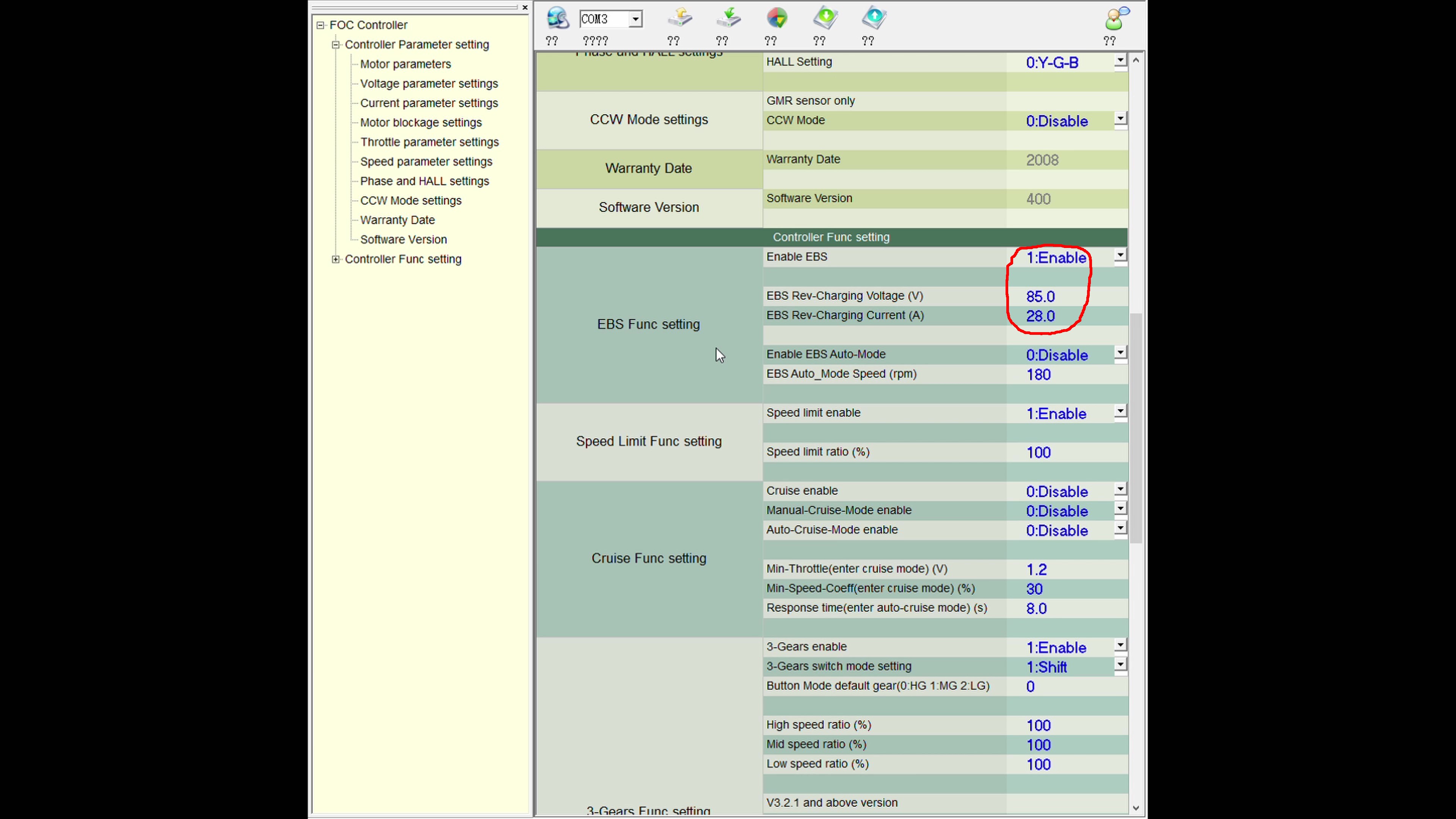
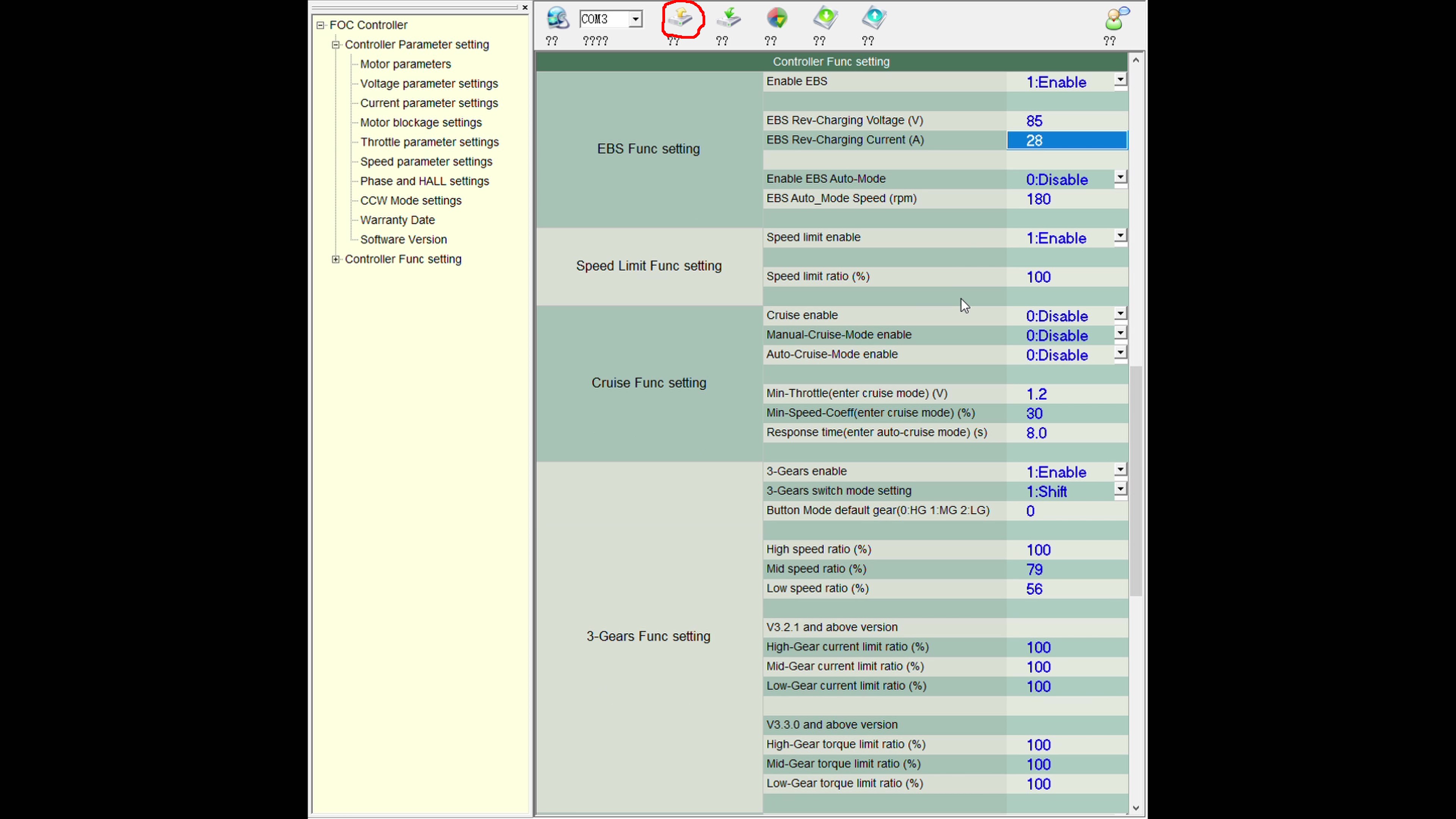
To enable regenerative braking look under the heading "EBS func setting" and select enable. The setting "EBS rev-charging current" is set to 80 by default.
Saving and Verifying
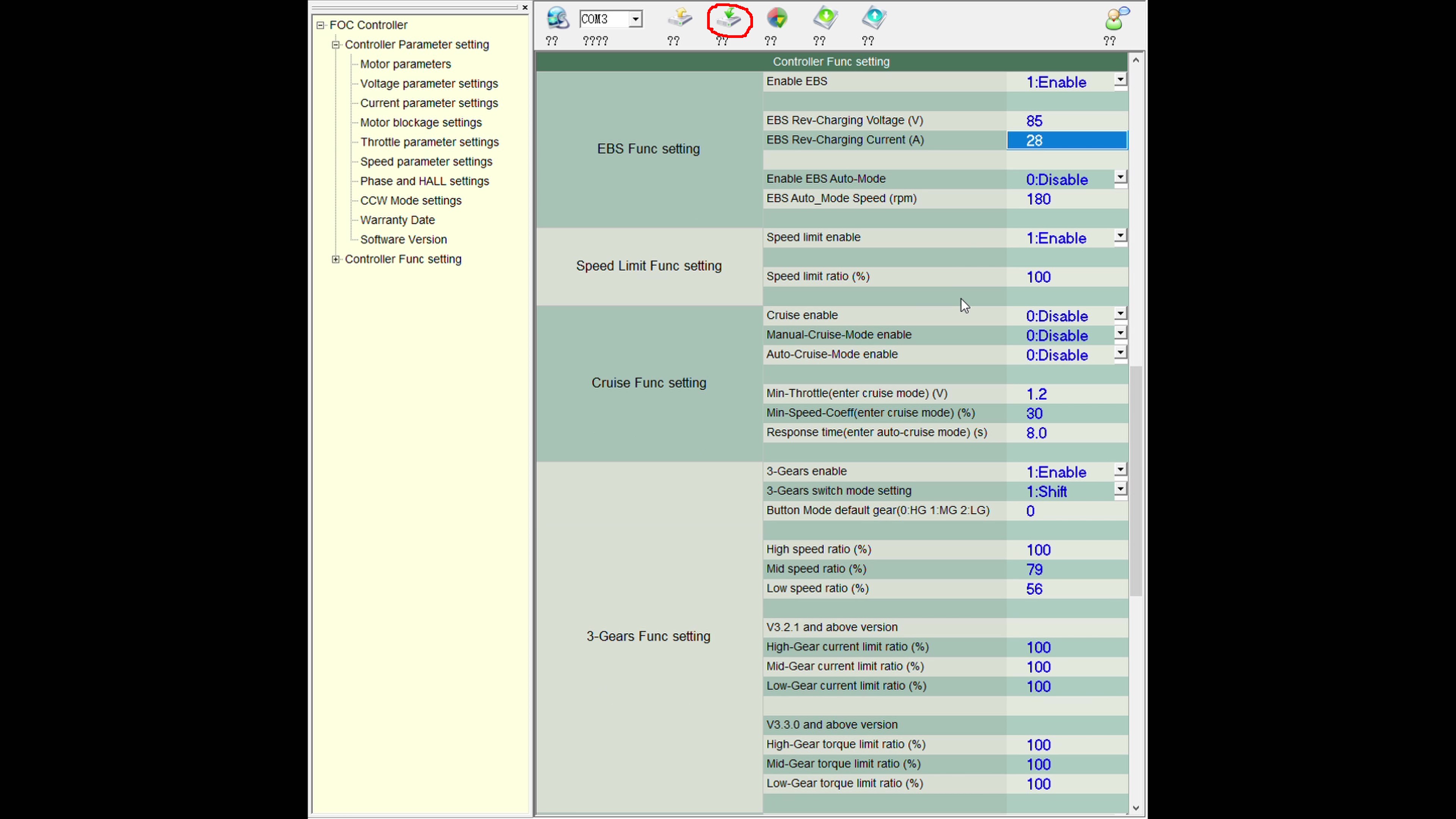
Once you're happy with the settings press the download button to save them to the controller. Then click the upload button to check your parameters have been saved correctly.
Test Ride
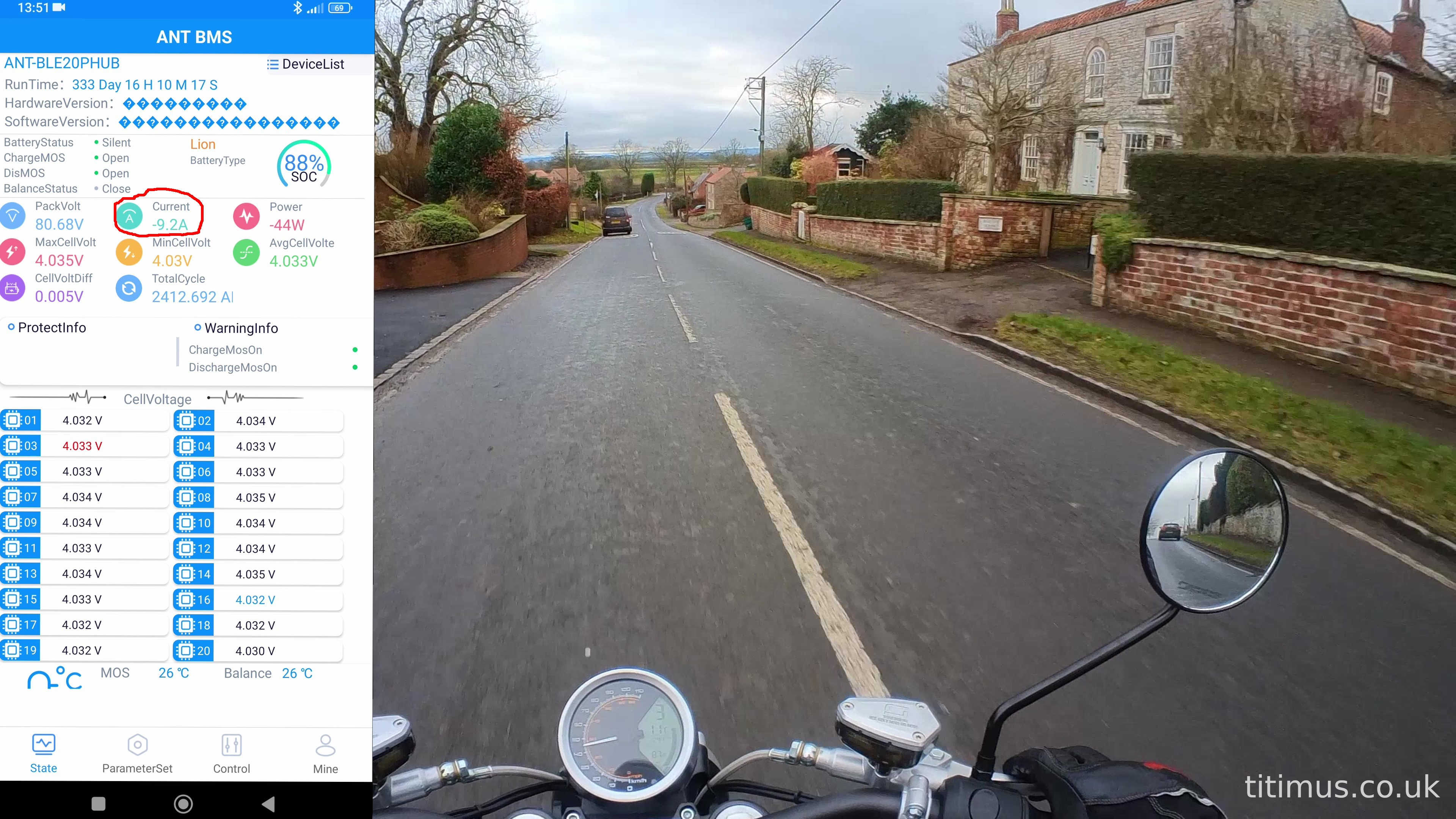
Take your bike for a test ride. The 12V signal for the regenerative brake is already wired to the brake light, so as soon as you pull the brake lever in enough for the brake light to come on the regen will start. There is a slight delay before it starts and also when it releases. Looking at the data from my ANT BMS you can see that it's charging the battery at a current of 9.2 amps.