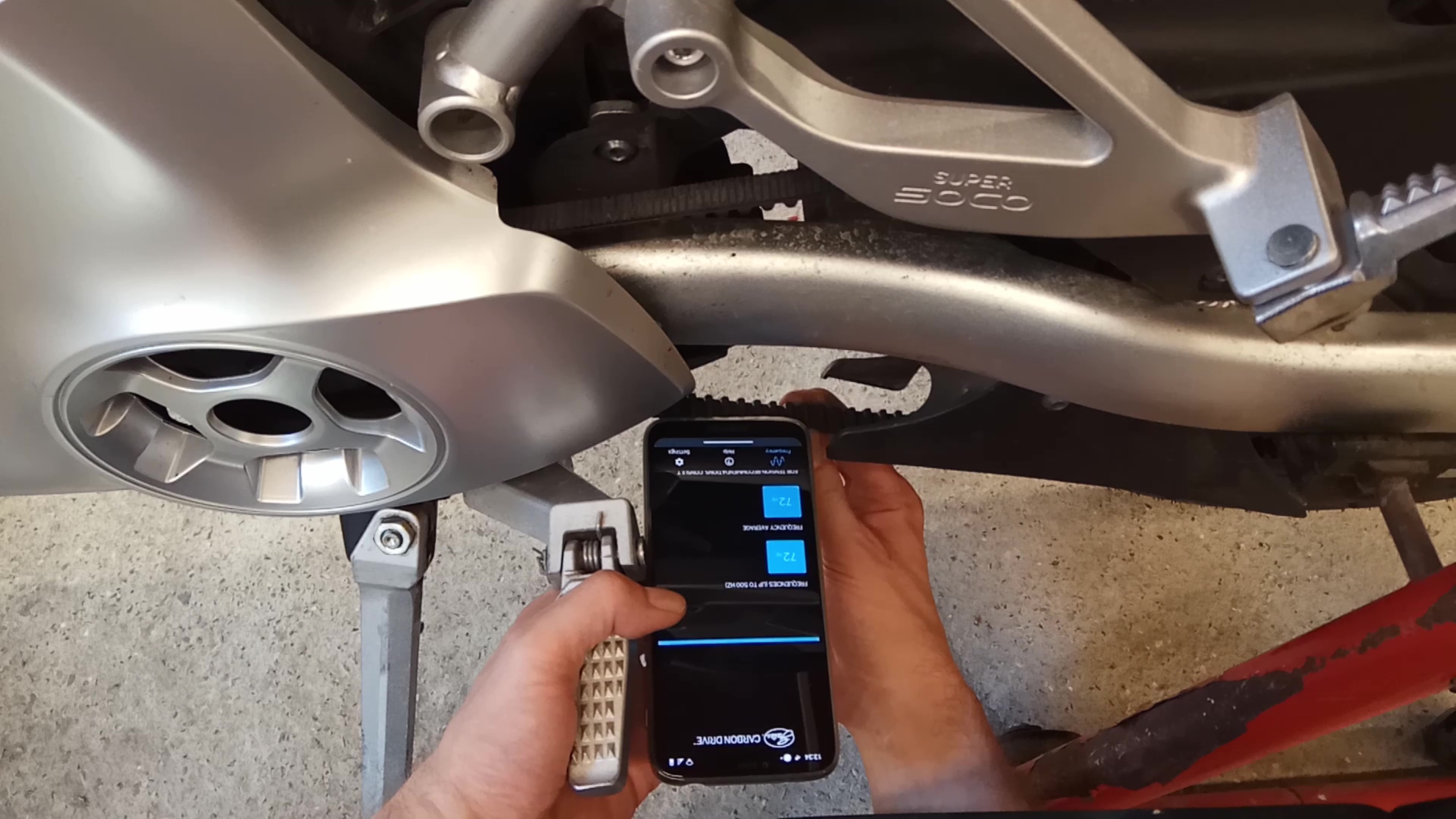
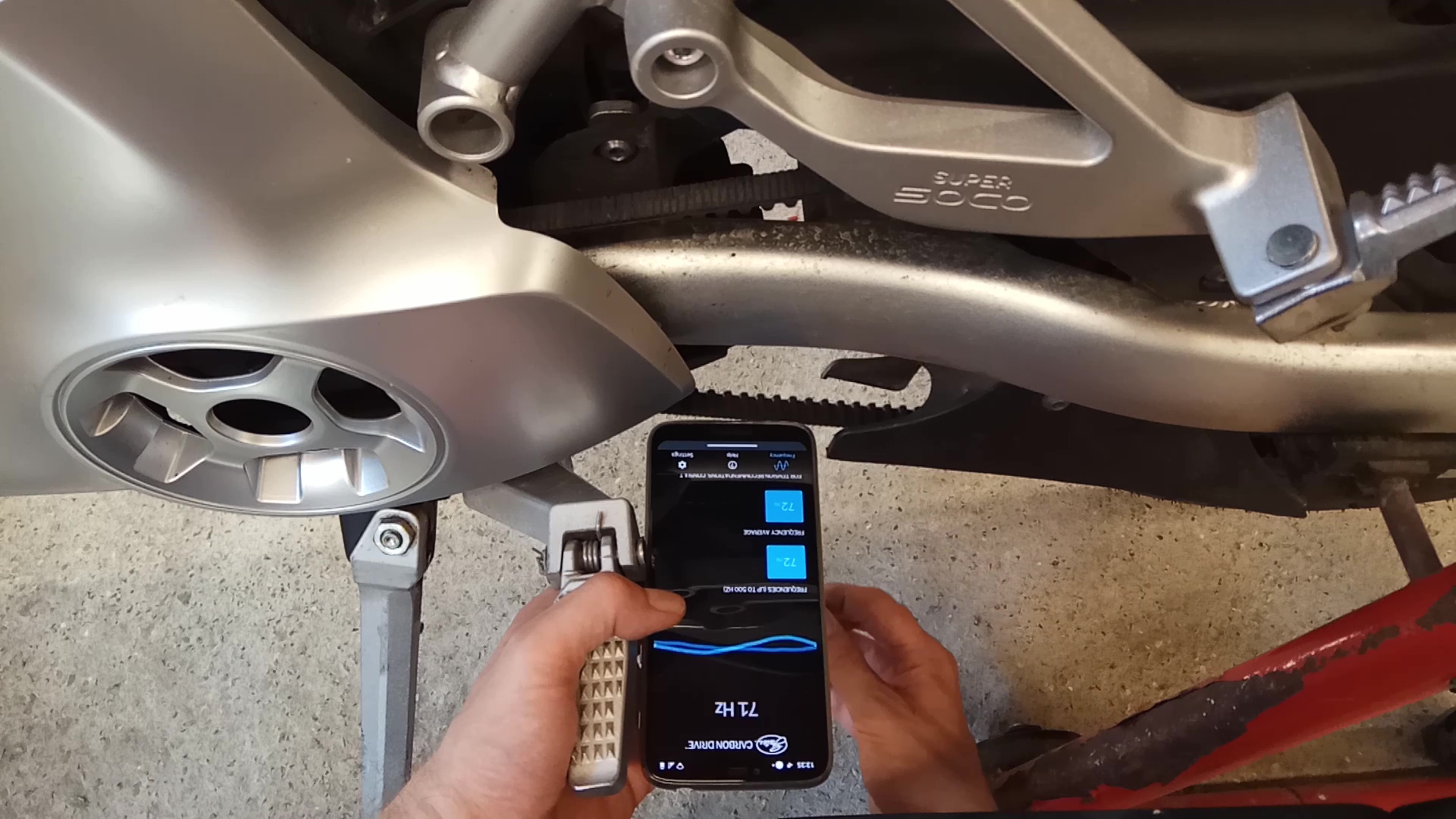
Setting the belt tension on the TC Max is pretty much the same as any bike. To check the tension download the Gates Carbon Drive app. Place your phone near the belt and pluck it so it vibrates.
Adjustment Procedure
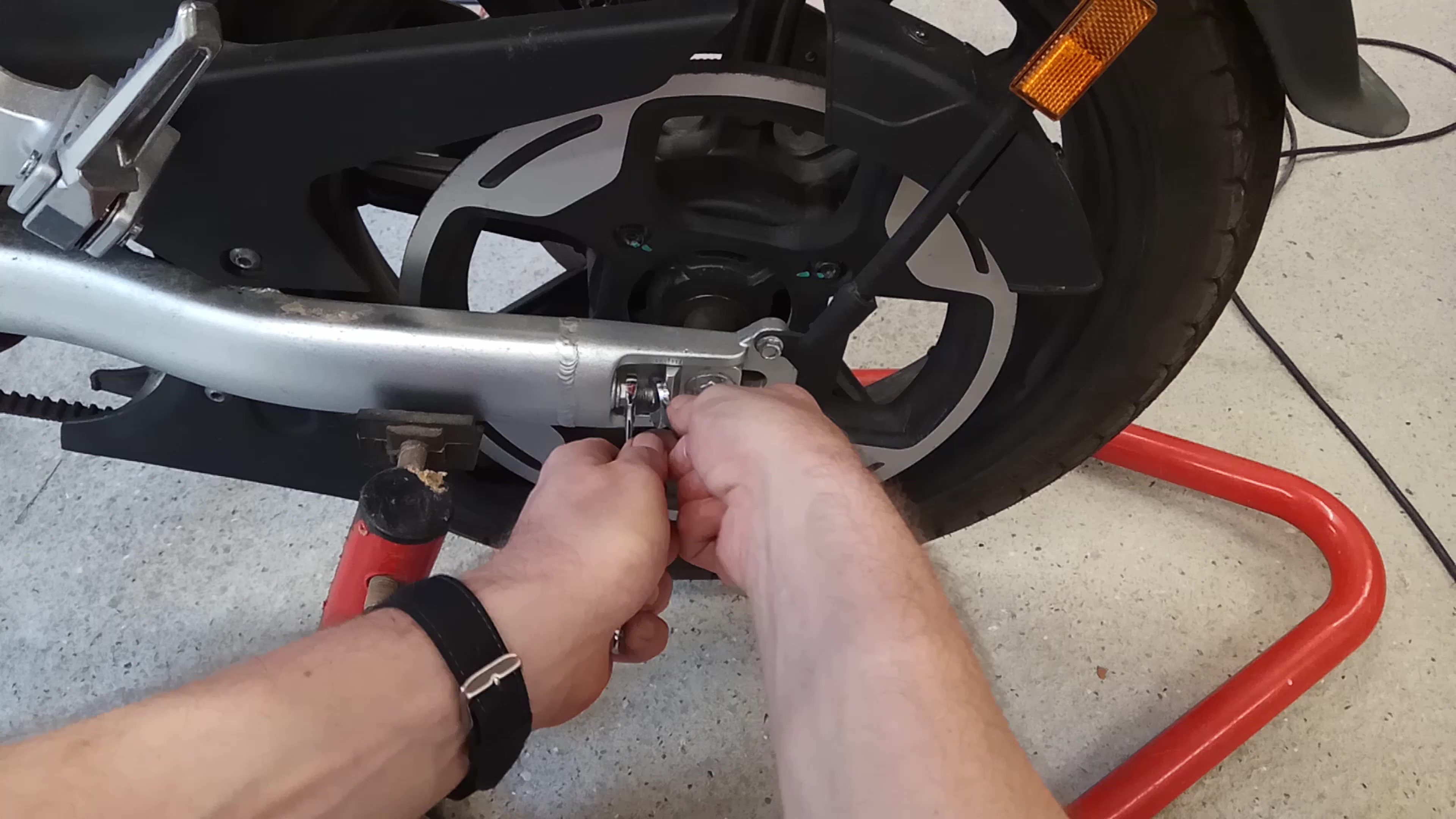
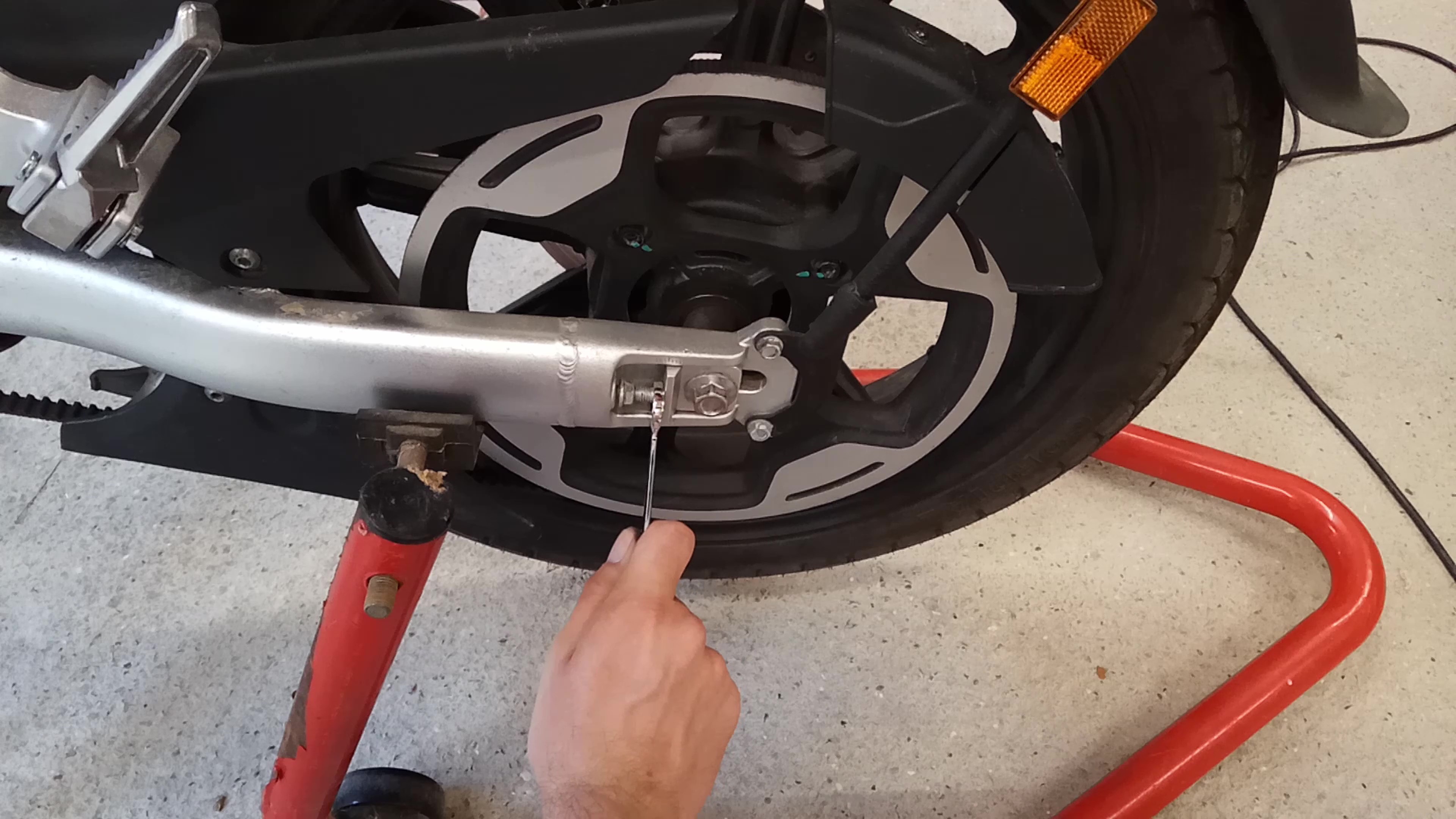
To adjust the tension first loosen the spindle. Then loosen the lock nuts on the adjusters. Unscrew the adjusters a small amount equally on both sides. Re-check the tension using the Gates Carbon Drive app.
Once within the range of 77–94Hz turn the wheel and check again a few times with the belt in different positions. Tighten up the lock nuts and spindle. The spindle should be torqued to 59Nm. Check again with the app and if it's still within spec you're done.
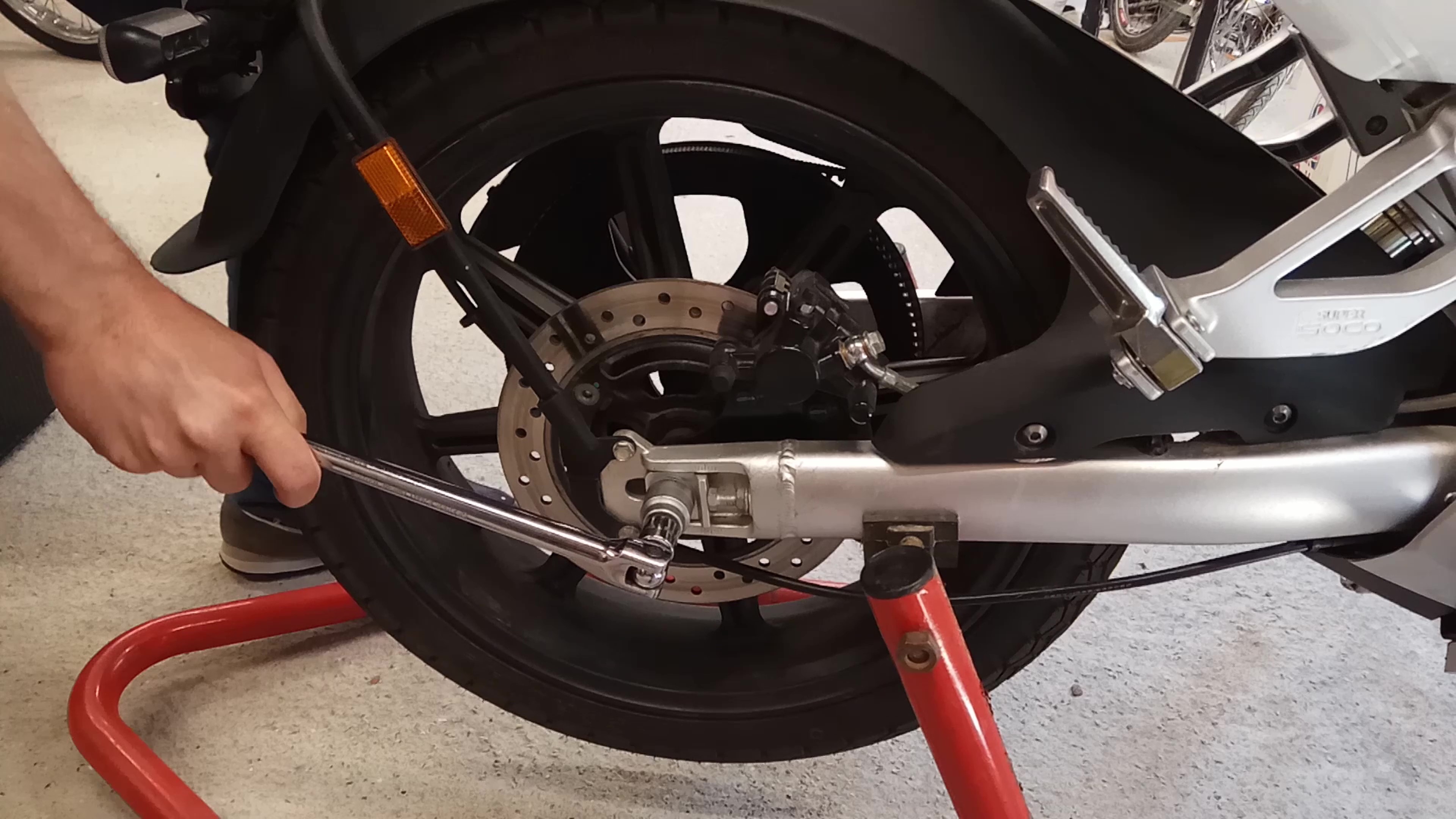
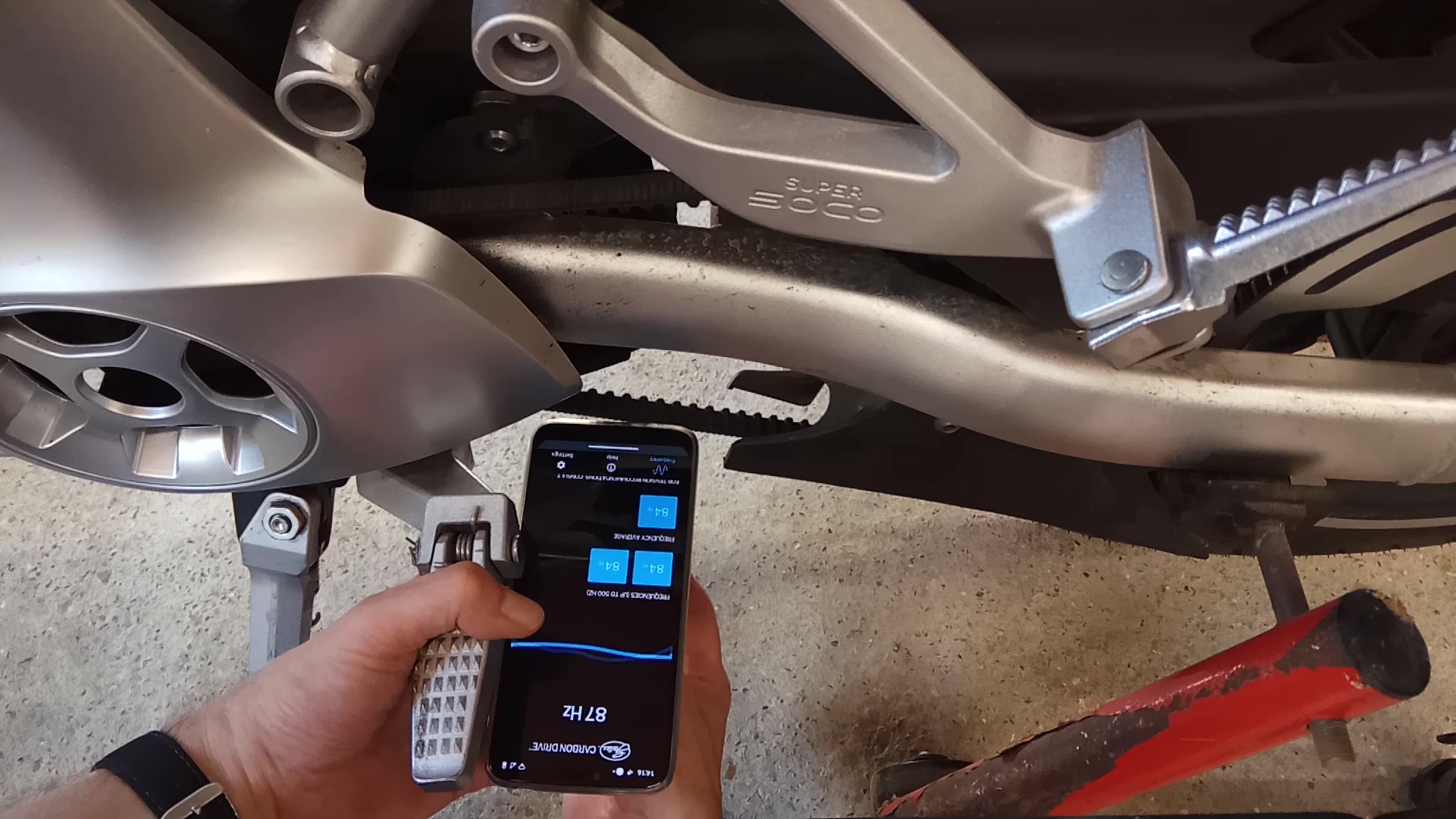
Belt tension specification (from Super Soco): 77–94Hz using the Gates Carbon Drive app. Spindle torque: 59Nm.
Video Guide
Need the pulley locking tool to help with this job? Available in the Titimus shop.
View in Shop